

Connect AI Agents to trusted enterprise context
Your AI agents can’t fix what they can’t see. The Actian MCP Server connects the AI tools your teams already use to the trusted metadata in your Data Intelligence Platform, so agents can find the right data and understand it correctly.

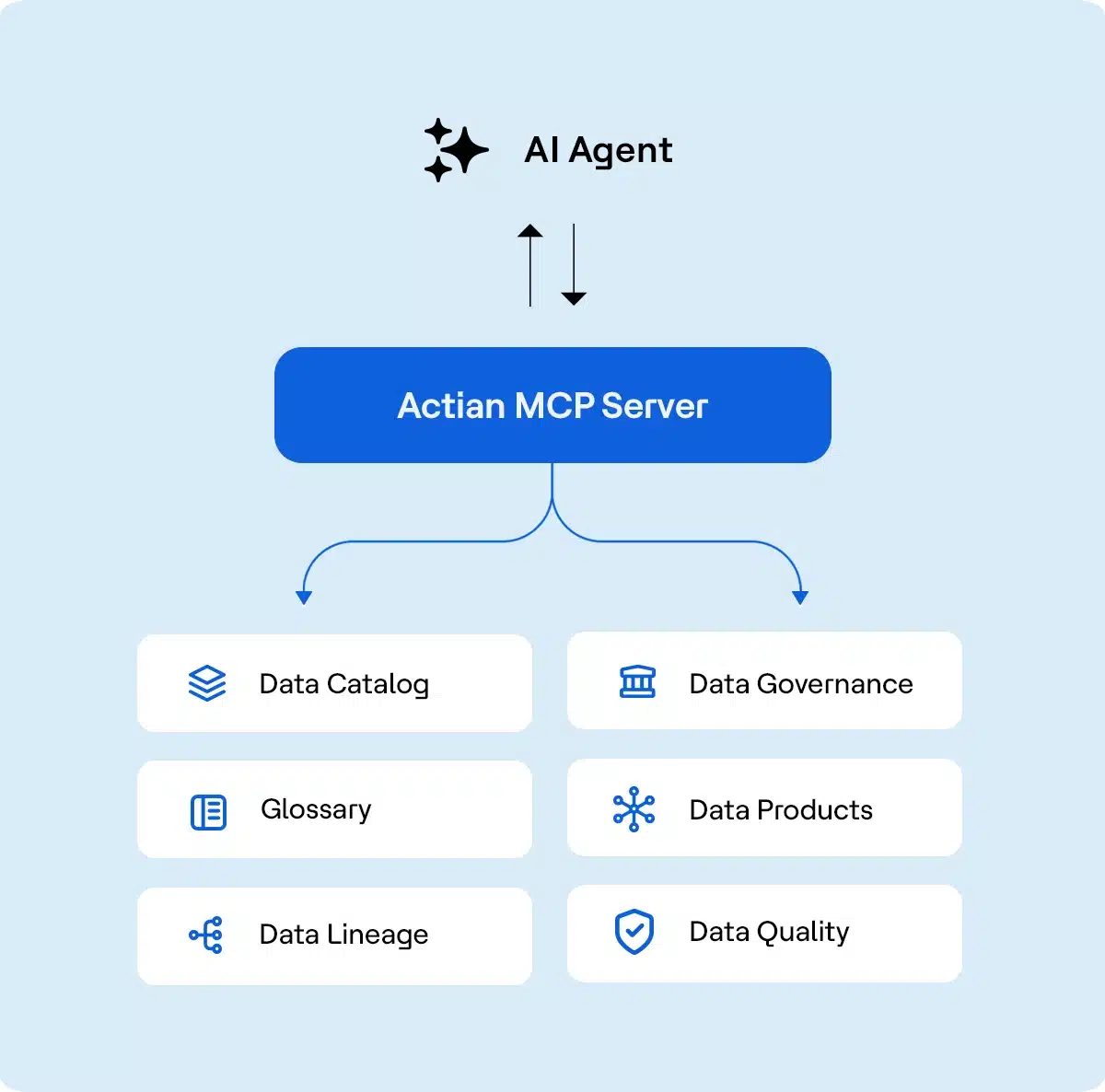

Fuel every AI agent with trusted, governed metadata
Your AI agents can’t perform reliably without understanding the unique context of your data, leading to guesswork and a lack of trust. The Actian MCP Server is how you solve this. Acting as a secure bridge based on the Model Context Protocol standard, it connects the AI tools your teams already use, such as Claude, Microsoft Copilot Studio, Cursor, and Windsurf, directly to the real-time, trusted metadata in your Actian Data Intelligence Platform.
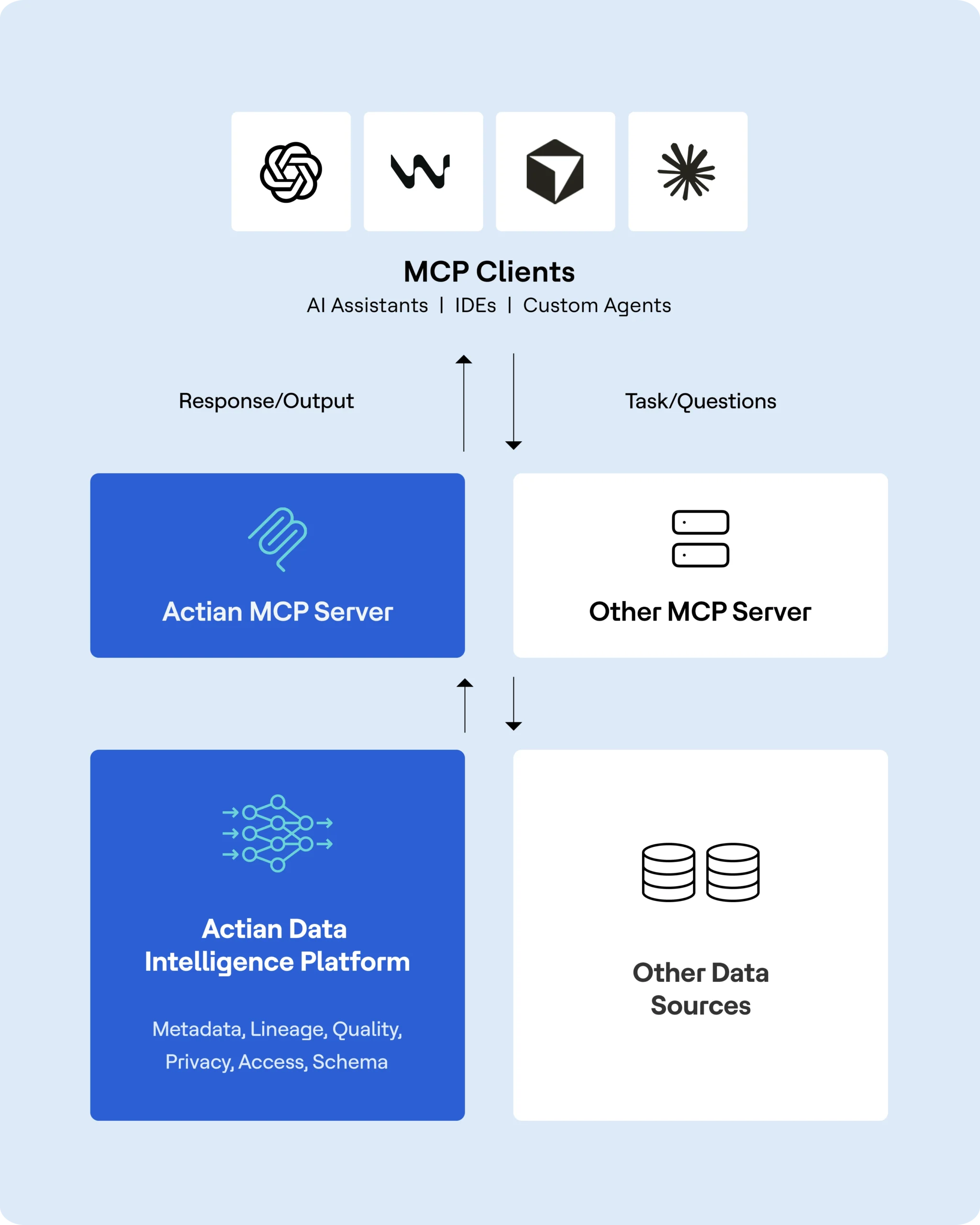
Demo the Actian Managed MCP Server
Use Model Context Protocol (MCP) on Actian to connect AI agents with your data catalog.
From discovery to curation, in one server

Give AI agents the context to deliver trusted answers
Ground any AI workflow in the approved definition of a business term, so "active customer" means the same thing in a Slack answer and a board deck.

Find the right data in seconds
Trace a business concept straight to the certified tables and files behind it, skipping the week of Slack threads and schema digging.

Uncover connections you didn't know to look for
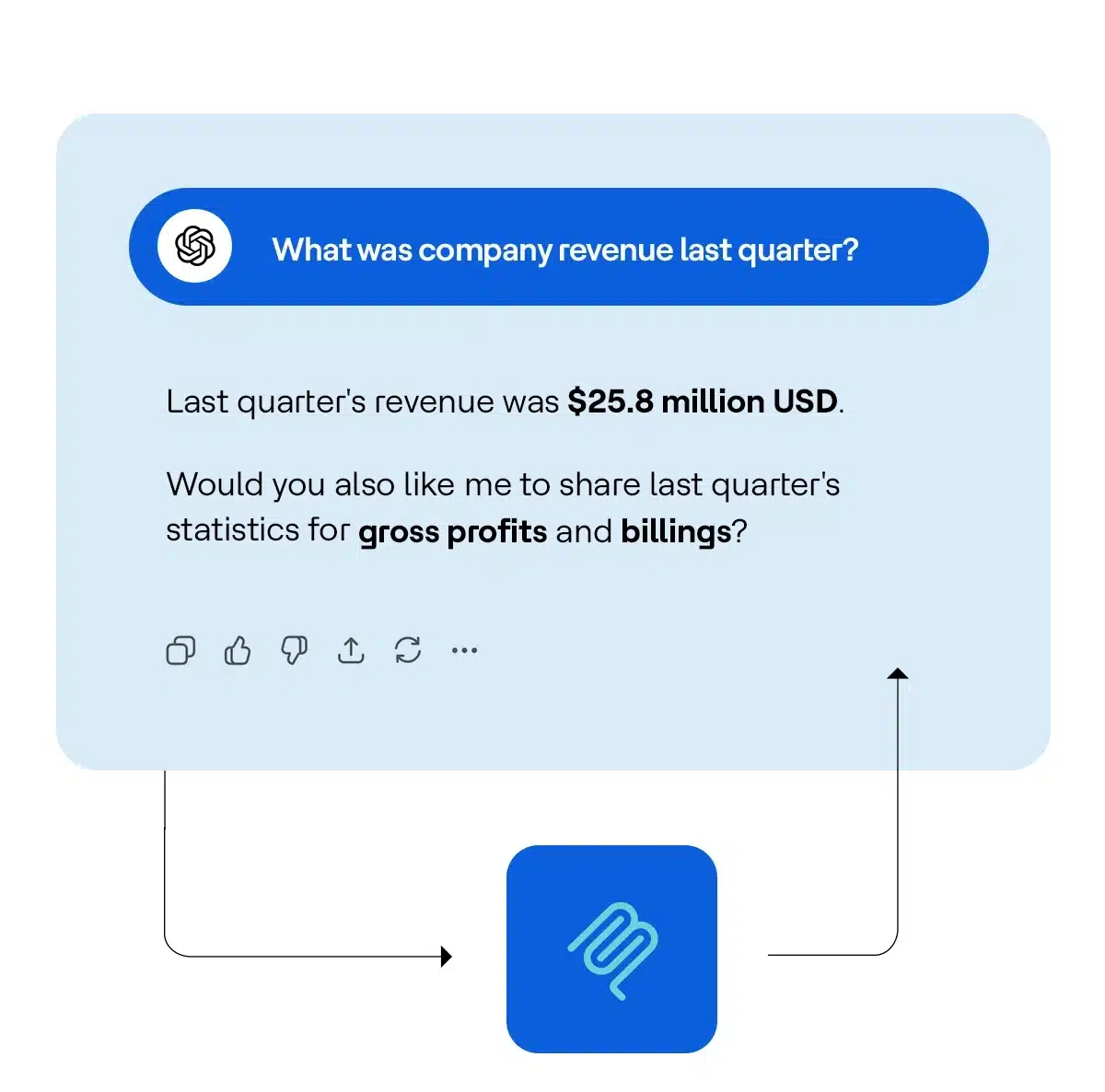
Surface related concepts, like "revenue," "gross profit," and "billing," even when the wording doesn't match, catching context a keyword search would miss.

Close documentation gaps, not just flag them
Let an agent draft a missing description or refresh a stale summary on the spot. Nothing changes until your team confirms it.

Keep every AI-made change accountable
Trace lineage before approving a change, then check the audit trail after. Agent edits are logged right alongside your team's.

Clear the backlog, not just track it
Let an agent triage pending suggestions and route the rest to the right owner by name, no internal IDs required.
Get instant answers, not hallucinations
Pull the official, approved definition for any business term directly into your AI assistant. Move faster, knowing you are using the right metrics and terms, without leaving your analysis.
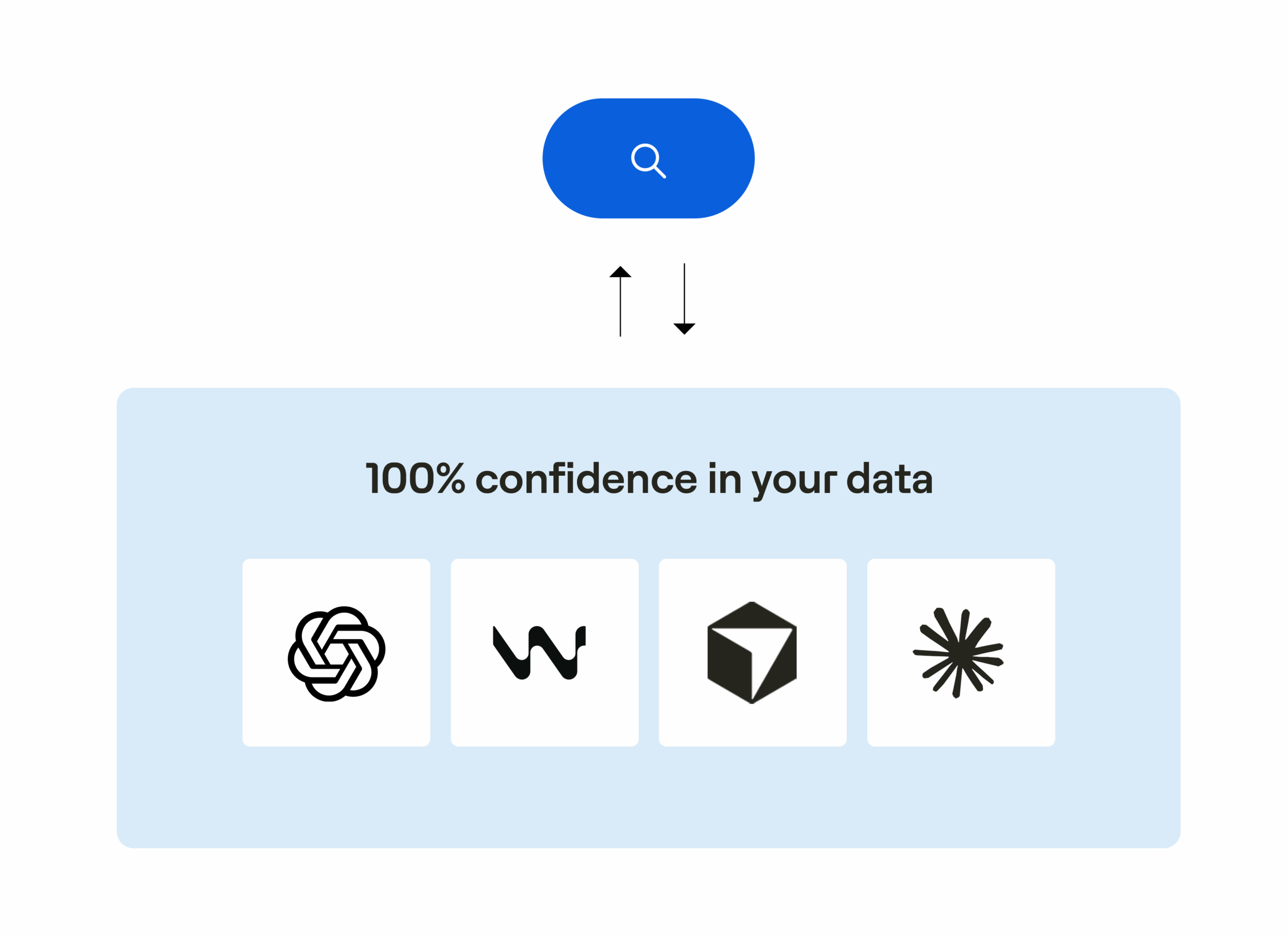
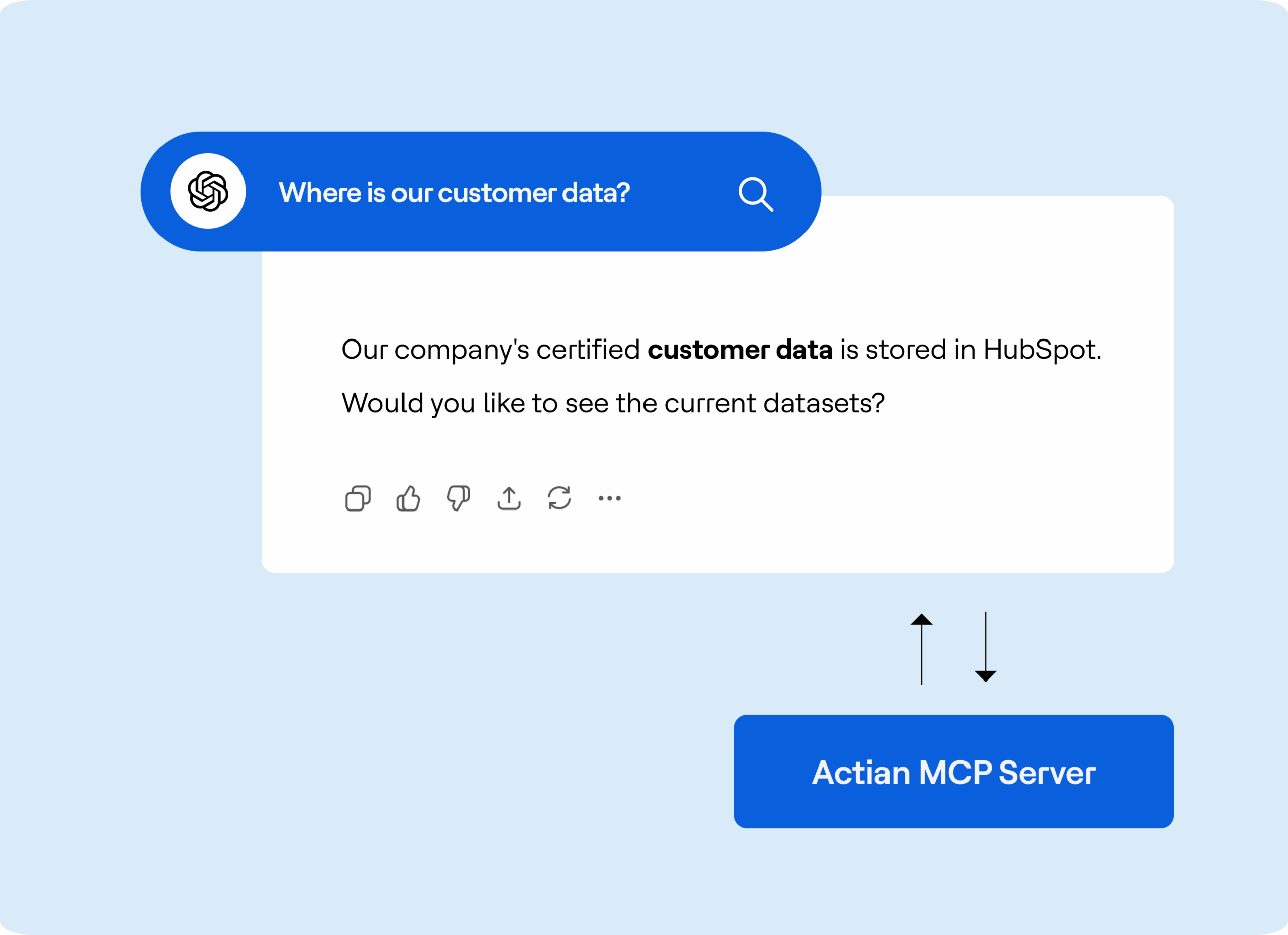
Find the right data, every time
Ask a business question, such as “Where is our customer data?” and get back the certified datasets you need. Start your analysis with confidence that you are using trusted data.
From AI insight to enterprise action
Solve high-value business challenges with the Actian MCP Server.

Unify your business language
Empower AI as your single source of truth, giving every leader one clear answer—eliminating ambiguity and speeding alignment.

Accelerate audit prep
Turn months-long audits into on-demand queries. AI lists BCBS 239 assets, lineage, & certification—flagging compliance gaps fast.

Close documentation gaps as you find them
Stop treating curation as a backlog. When an agent spots a missing description or a stale summary, it can fix it on the spot, with your confirmation and a full audit trail.
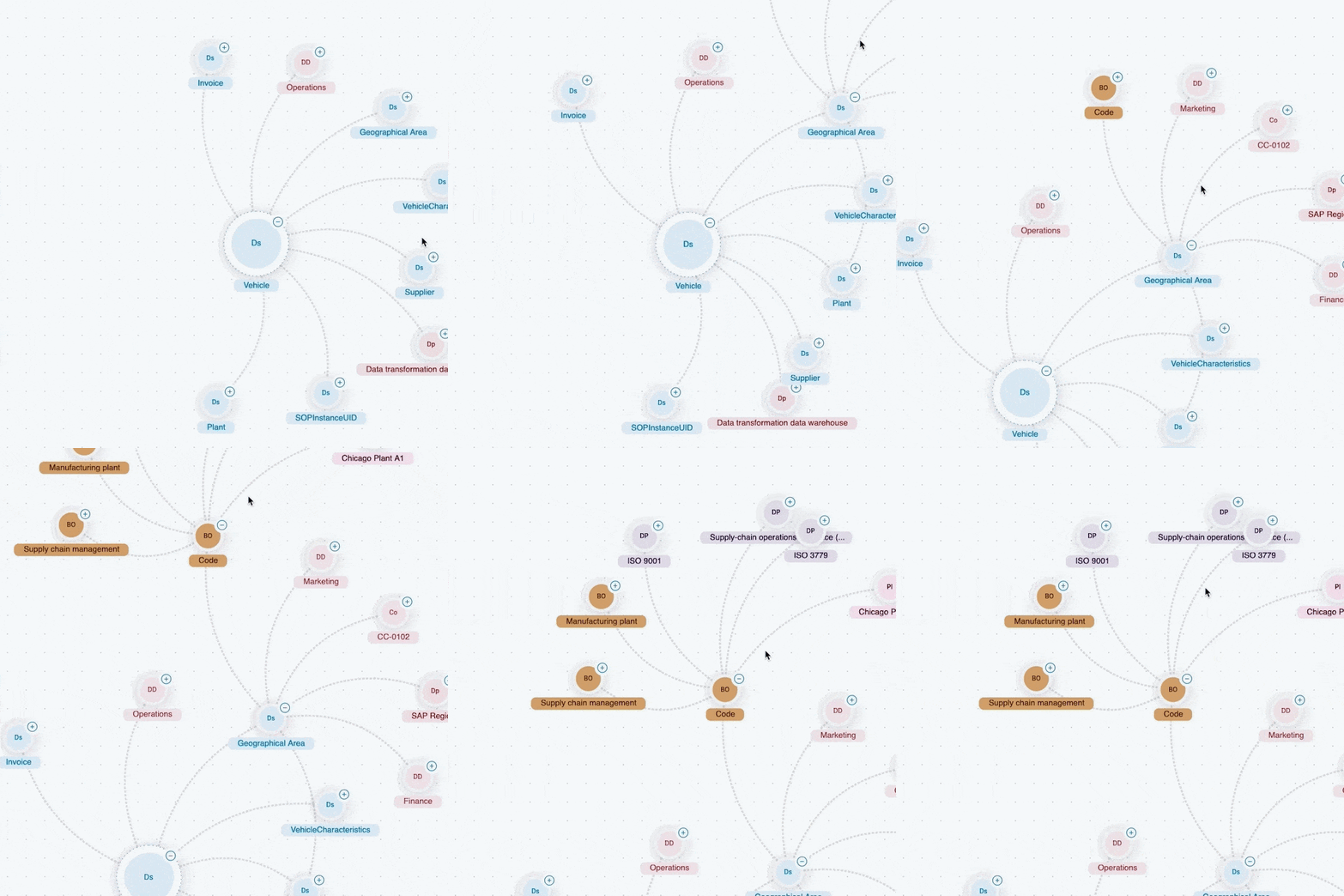
See how it all connects
Instantly map how your data connects. See the full family tree of any dataset without digging through schemas. Spend less time on structure and more time on insight.
Discover your next great insight
Search for a concept like “revenue” and discover related ideas like “gross profit” and “billing.” Get smarter, more actionable answers.
See the platform in action






FAQ
MCP is an open standard that gives AI agents and large language models a consistent way to connect to external systems. It lets an AI assistant or agent securely reach an application, such as a data catalog, its data sources, and its tools, so the AI’s answers and actions stay grounded in your organization’s real data, not just its training data.
The Actian MCP Server is a secure bridge between your AI tools, such as Claude or Microsoft Copilot, and the metadata inside the Actian Data Intelligence Platform. Human users and AI agents can both query the catalog to find data, understand business terms, and map data relationships, all without leaving their workflow.
Both. Agents can also set or restore a description, regenerate a summary, or set a custom property. Every write requires explicit confirmation before it happens, so agents propose changes and a person still approves them.
Every write carries an application identifier and is logged to the same audit trail as changes made by people. You can see who, or which agent, changed what, and when, at any time. Nothing an agent writes is quietly invisible to your governance team.
The Actian MCP Server supports OAuth, so agents authenticate through your existing identity provider. You control which agents can connect and what they can do, using the access controls you already have.
- Knowledge Graph foundation. Actian Data Intelligence Platform is built on a native knowledge graph, so the MCP Server delivers a more accurate understanding of complex data relationships and semantic meaning than platforms that are not knowledge graph native.
- Open standards, not lock-in. Building on the open MCP standard means the server is designed for interoperability and evolves with the AI ecosystem, instead of tying you to one vendor’s assistant.
Confirmed compatible tools include Claude, Cursor, Windsurf, Microsoft Copilot Studio, and ChatGPT. Because the server is built on the open MCP standard, we expect this list to grow as the ecosystem does.
- Look Up Official Definitions: Use the find_glossary_definition tool to retrieve the exact, approved definition for any business term stored in your glossary.
- Find Data Behind a Concept: Use the get_glossary_implementations tool to locate all the physical data assets (tables, files, etc.) that are linked to a specific business concept.
- Map Data Relationships: Use the get_dataset_data_model tool to instantly understand how a dataset is connected to others, including its specific fields and relational dependencies.
- Discover Related Ideas: Use the semantic_search_glossary tool to perform an AI-powered search that finds conceptually similar business terms, even if they don’t share the same keywords.
- Documentation Backfill: The agent writes descriptions for undocumented items with update_item_description, or puts an item back to the description from the source system.
- Summary Upkeep: update_item_summary sets a summary or regenerates it from the description, and explains why if it cannot.
- Property Curation: update_item_property sets or clears properties such as domain, criticality, tags, URLs, or dates, finding the property by ID, code, or name and matching the value to its type.
- Impact Analysis: fetch_lineage returns the lineage from an item, so the agent can say what a change would affect upstream and downstream.
- Audit Questions: get_item_audit_events shows what changed on an item, who or what changed it, and when.
See the Actian MCP Server in Action
Easy to connect. Easy to govern. Easy to scale. Schedule time with a data expert to:
- See how the Actian MCP Server connects your AI agents to governed, trusted metadata.
- Watch an agent read, write, and get confirmed in real time, with every change logged to the audit trail.
- Get pricing and a rollout plan for your environment.
 See how the Actian MCP Server connects your AI agents to governed, trusted metadata.
Request a Product Demo
(i.e. sales@..., support@...)
